Logging In
SBAA uses Classlink, Google or Azure SSO to authenticate users. When logging in to SBAA for the first time, users will have an option to choose between the three providers. Please choose the provider that is used within your district/education agency. You will also be able to login to SBAA through Our EA Apps Portal.
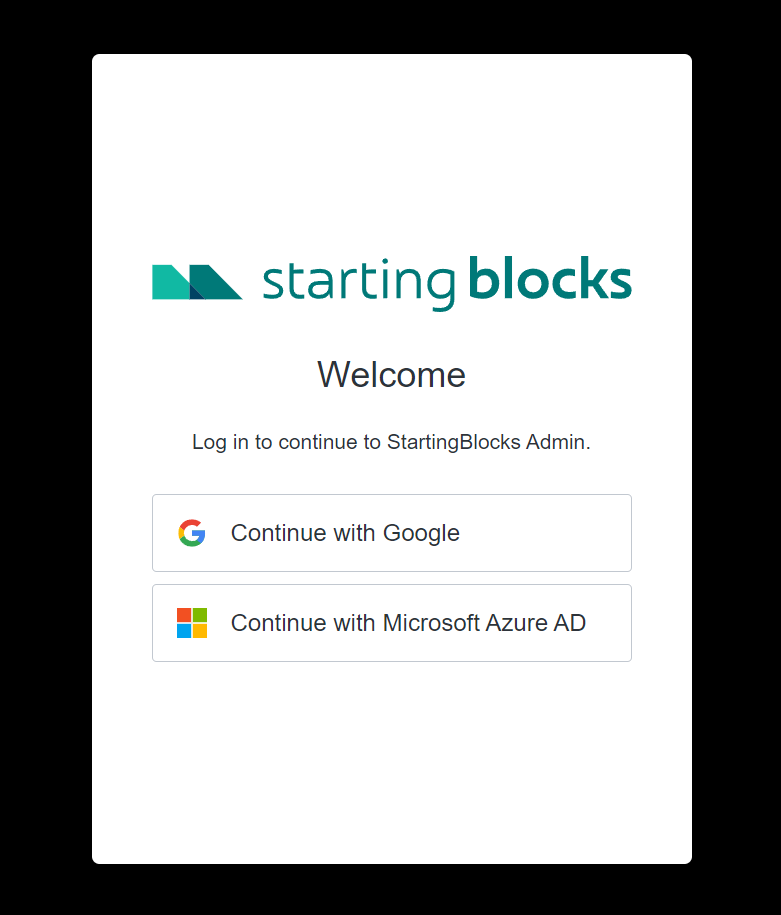
Upon logging in with your chosen provider, you will either be sent a one time access code or asked for multi-factor authentication if your organization has set that up.
Access Code
Your access code will be sent to the email address you used to logon from. If you do not get an access code within a couple hours, please contact your IT department to check for email spam filtering. They will need to unblock emails coming from startingblocks.org.
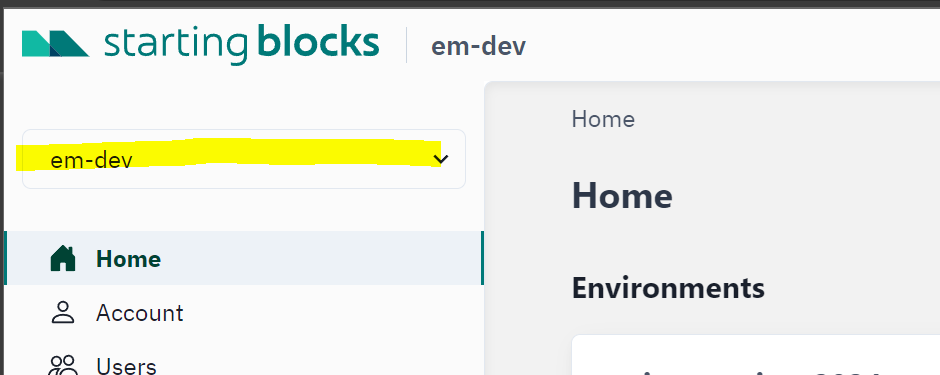
After a successful login, you will be brought to the SBAA homepage which will list out all the teams your user is associated with. If associated with multiple teams, you will have the option to choose your team from the dropdown at the top left of the screen. If your user is only associated with one team (most common case) then the team will be pre-selected for you. Read The Page on Navigating SBAA