ODS Row Counts in SBAA
StartingBlocks Admin App (SBAA) can show row counts for tables in an Ed-Fi ODS. For each table, SBAA reports how many records are present and several date fields that describe when data was first loaded and last changed. This is useful when you want to confirm that an integration or SIS load populated the ODS, compare activity between environments, or troubleshoot missing data without connecting to the database directly.
Row counts are available for StartingBlocks environments that SBAA supports for this feature. If you do not see an ODS Row Counts section on your ODS page, your environment may not support row counts yet, or your user may not have the required permissions (see below).
Permissions
Like other resources in SBAA, users must have the appropriate permissions to view ODS row counts. With the correct permission, the ODS Row Counts section appears on an individual ODS page. If you can open the ODS but do not see this section and believe you should have access, please reach out to StartingBlocks Support.
For more about how Team and user permissions work together, see Teams & Permissions.
Viewing row counts
-
Navigate to the ODS you want to inspect: StartingBlocks environment > Ed-Fi Tenant > ODSs > relevant ODS.
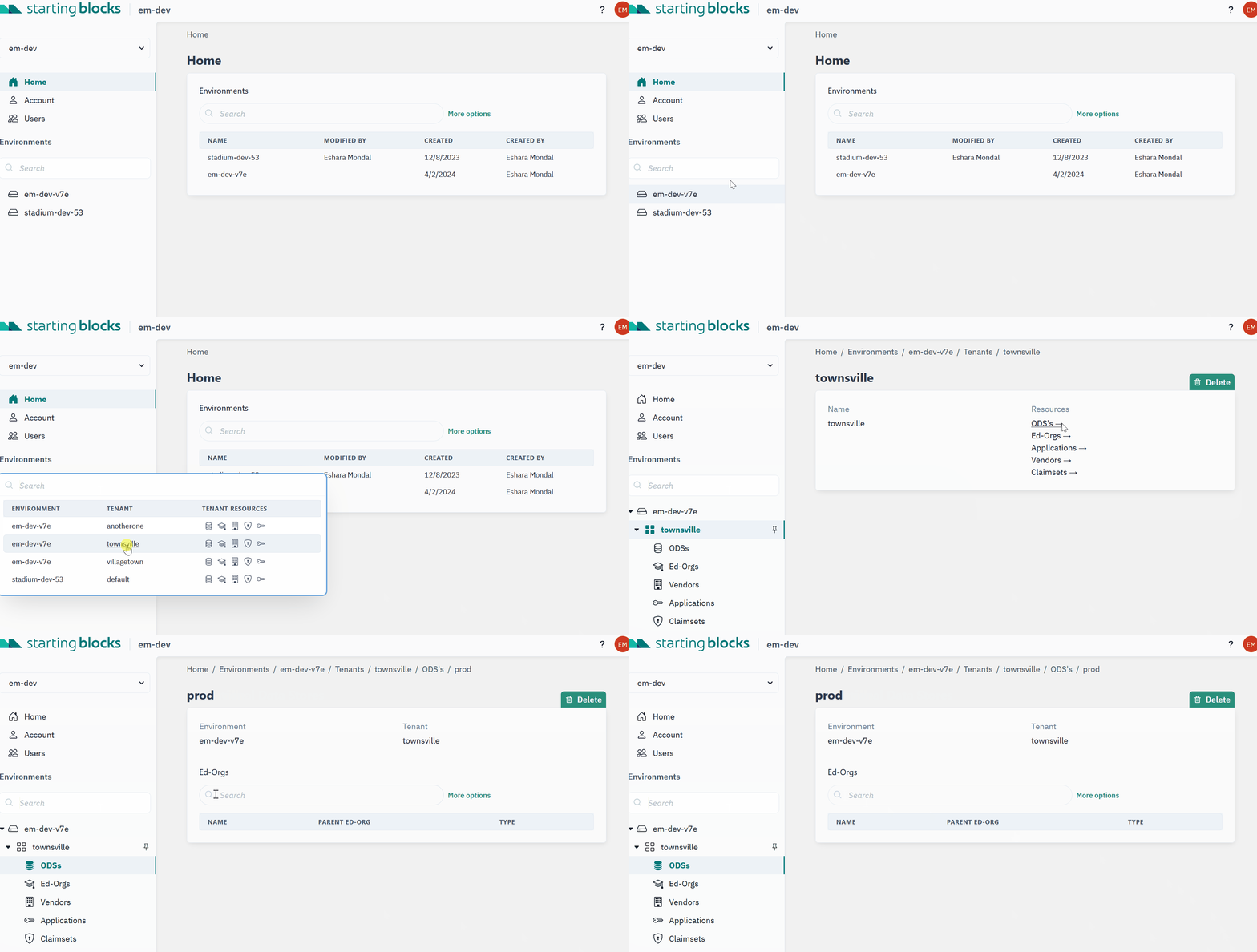
-
On the ODS detail page, scroll down to the ODS Row Counts section.
-
Click Retrieve row counts. SBAA loads the table list on demand; row counts are not shown automatically when you first open the page.
-
When loading finishes, a table lists each Ed-Fi table in the ODS along with its counts and dates. To load updated numbers later, click Refresh row counts.
While SBAA is retrieving or refreshing data, the button is disabled and a loading indicator appears next to it.
Understanding the results
The row counts table includes the following columns:
| Column | Description |
|---|---|
| Table Name | Schema and table name in the ODS (for example, edfi.Student). |
| Number of Rows | Count of records currently in that table. |
| Earliest Record | Date associated with the oldest record in the table, when available. |
| Newest Record | Date associated with the newest record in the table, when available. |
| Most Recent Update | Date of the most recent update to data in the table, when available. |
By default, rows are sorted with the most recently updated tables at the top. You can use the table's search and sorting controls to find a specific table or reorder the list.
Note
Row counts reflect a point in time at retrieval. After integrations run or data changes in the ODS, use Refresh row counts to see updated values. Empty or missing date values usually mean there is no applicable data for that column on that table.
If row counts fail to load or you see an error message, please submit a ticket to StartingBlocks Support.